

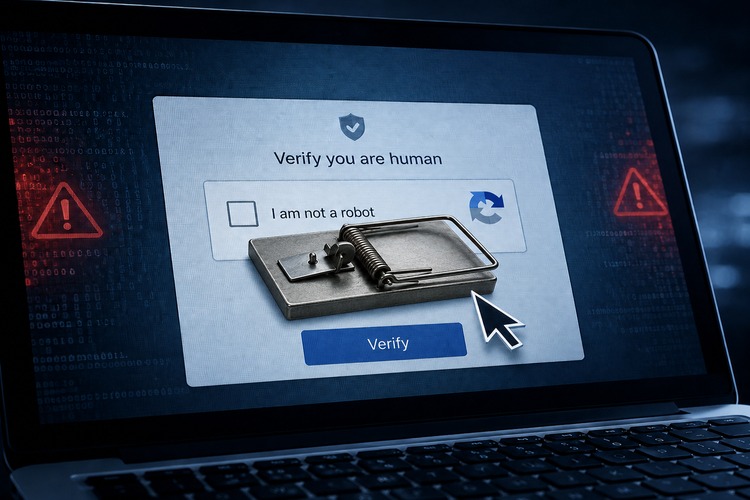
A familiar box now hides a new kind of attack
Cybercriminals are increasingly weaponizing one of the internet’s most familiar trust signals: the CAPTCHA prompt.
The attack, commonly called “ClickFix,” uses fake CAPTCHA, browser-check, Cloudflare-style verification, or “fix this issue” pages to trick users into running malicious commands on their own computers. The page may look routine. It may tell the user to verify they are human, unlock a document, fix a browser problem, or complete a security check.
But instead of simply clicking a box or selecting traffic lights, the victim is instructed to press a sequence of keyboard shortcuts, paste copied text into a Windows dialog box, PowerShell, Windows Terminal, or another command prompt, and hit enter. That command can download and run malware.
The trick works because it does not always look like a traditional scam. There may be no misspelled bank email, no urgent money request, and no suspicious attachment. The user lands on a website that looks broken or protected, gets a familiar “verification” prompt, and follows instructions that appear technical but harmless.
Security researchers say that is exactly the point. ClickFix relies less on software exploits and more on getting users to become the installer.
🍁 Make a One-Time Contribution — Stand Up for Accountability in Vermont 🍁
The threat has moved beyond sketchy websites
ClickFix campaigns have been observed through phishing emails, malicious ads, fake browser updates, compromised legitimate websites, fake file-sharing links, fake job postings, and pages posing as protected documents. In some campaigns, attackers compromise real websites and inject code that only shows the malicious prompt to selected visitors.
That means the danger is not limited to obviously suspicious corners of the web. A user may reach the trap through a search result, an online ad, a hacked small-business website, a fake invoice, or a link in an email or chat message.
The attack chain is often simple. A webpage tells the user that verification failed or that a page cannot load. It may copy a command silently to the clipboard. Then it tells the user to open a system tool, paste the command, and run it. On Windows, earlier versions commonly abused the Run dialog. More recent campaigns have shifted toward Windows Terminal or PowerShell as security tools improve their detection of older patterns.
Once run, the command may install an infostealer, remote-access trojan, backdoor, loader, or other malware. Those tools can harvest browser passwords, session cookies, cryptocurrency wallets, screenshots, device information, email credentials, and other sensitive data. In some cases, attackers use the first infection to sell access to other criminals.
Why average users are vulnerable
The attack works because it borrows credibility from normal internet friction. Users are trained to solve CAPTCHAs, dismiss browser warnings, install updates, and follow troubleshooting prompts. ClickFix blends into that behavior.
It also exploits a gap in common security advice. Many users know not to open suspicious attachments. Fewer know that a webpage should never ask them to paste commands into a system utility.
Traditional antivirus tools may help, but they are not a guarantee. The user is manually authorizing the action. Some commands also use legitimate Windows tools, scripting functions, or cloud-hosted payloads, which can make the attack harder to block at the first click.
The biggest red flag is not the visual design of the page. Fake CAPTCHA pages can look polished. The red flag is the instruction. A legitimate CAPTCHA may ask a user to click a checkbox, identify images, solve a puzzle, or wait while a browser check completes. It should not ask the user to open Run, Terminal, PowerShell, Command Prompt, Registry Editor, browser developer tools, or install a “verification” file.
What users should do
The rule is blunt: never paste or run a command from a website that claims it is needed to prove you are human, view a document, fix a browser issue, or complete a security check.
If a page gives keyboard instructions such as Windows key plus R, Windows key plus X, Control plus V, Command plus Space, Terminal, PowerShell, or “paste this command,” close the tab. Do not continue troubleshooting from that page.
Users should also be wary of fake browser updates. Real browser updates should come through the browser’s own update function or the official app store or vendor website, not from a random page demanding an immediate download.
Ad blockers and browser protections can reduce exposure to malicious ads and compromised scripts, but they are not a full defense. Keeping the operating system, browser, password manager, and security software updated remains important. Users should also remove unnecessary browser extensions, avoid pirated software, and avoid downloading “required” tools from pop-up prompts.
Password managers help limit damage by keeping credentials unique across sites. Multi-factor authentication is still important, especially on email, banking, cloud storage, social media, and password manager accounts. Stronger methods, such as passkeys or hardware security keys, are preferable where available.
What to do after a suspected infection
If a user already followed a fake CAPTCHA command, the safest assumption is that credentials may have been stolen.
The first step is to disconnect the device from the internet. Then use a different, known-clean device to change passwords for email, banking, Apple, Google, Microsoft, social media, and any account that stores payment information. Email should be first because attackers can use it to reset other accounts.
Users should check account recovery email addresses, forwarding rules, connected apps, recent login history, and payment activity. They should run a full security scan, remove suspicious browser extensions, and consider professional help if banking, business accounts, cryptocurrency wallets, or sensitive files were involved.
For serious infections, especially where an infostealer may have run, wiping and reinstalling the operating system may be the cleaner answer. That may sound extreme, but once a stealer has had access to browser cookies and saved credentials, simply deleting the downloaded file may not undo the damage.
The bottom line
ClickFix is dangerous because it does not need to hack the browser in the traditional sense. It hacks user trust.
A normal CAPTCHA asks users to prove they are human. A fake CAPTCHA asks users to help install malware. That difference is now one of the simplest cybersecurity lines average users need to know.
Dave Soulia | FYIVT
You can find FYIVT on YouTube | X(Twitter) | Facebook | Instagram
#fyivt #CyberSecurity #OnlineScams #Malware
Support Us for as Little as $5 – Get In The Fight!!
Make a Big Impact with $25/month—Become a Premium Supporter!
Join the Top Tier of Supporters with $50/month—Become a SUPER Supporter!


 Subscribe to RSS





Leave a Reply